Ranking on Google’s first page used to be simpler. Now, law firms compete against national directories, and Latino-owned businesses face algorithm updates that seem designed to favor whoever has the biggest budget. Random tweaks, like swapping a title tag here or adding a keyword there, no longer move the needle. What actually works is a systematic approach that covers technical performance, content structure, AI-era indexing, and ongoing maintenance. This guide breaks down each layer so your WordPress site can compete on merit, not just money. Whether you run a boutique immigration firm or a growing retail brand, these tactics apply directly to your situation.
Table of Contents
- Core Web Vitals: The foundation of WordPress SEO
- On-page optimization: Metadata, headers, and content
- Modern indexing and AI: Preparing your site for 2026 search
- Technical essentials: Security, speed, and usability
- Why most WordPress SEO advice misses the real pain points
- Ready to dominate your market? Get expert WordPress SEO help
- Frequently asked questions
Key Takeaways
| Point | Details |
|---|---|
| Optimize Core Web Vitals | Fast, stable sites see major ranking improvements and happy visitors. |
| Enhance on-page SEO | Clear titles and strong meta descriptions can dramatically boost click-through rates. |
| Prepare for AI search | Stay ahead by updating files and content structure for machine learning and advanced indexing. |
| Don’t ignore technical basics | SSL, mobile UX, and accessibility directly impact rankings and conversions. |
| Prioritize ongoing strategy | The biggest SEO wins come from regular reviews and evolving tactics, not just checklists. |
Core Web Vitals: The foundation of WordPress SEO
Search competition is tougher than ever, and now that you know what drives visibility, let’s start from the technical core: site performance. Google’s Core Web Vitals are three measurable signals that determine how fast and stable your site feels to real users. They are Largest Contentful Paint (LCP), which measures how quickly the main content loads; Cumulative Layout Shift (CLS), which tracks unexpected page movement; and Interaction to Next Paint (INP), which captures how fast the page responds to clicks or taps.
These aren’t abstract scores. Optimizing Core Web Vitals tripled average ranking positions from 42 to 14.5 in a documented case study. That’s the difference between page five and page one. For a law firm or local business, that jump translates directly into phone calls and form submissions.
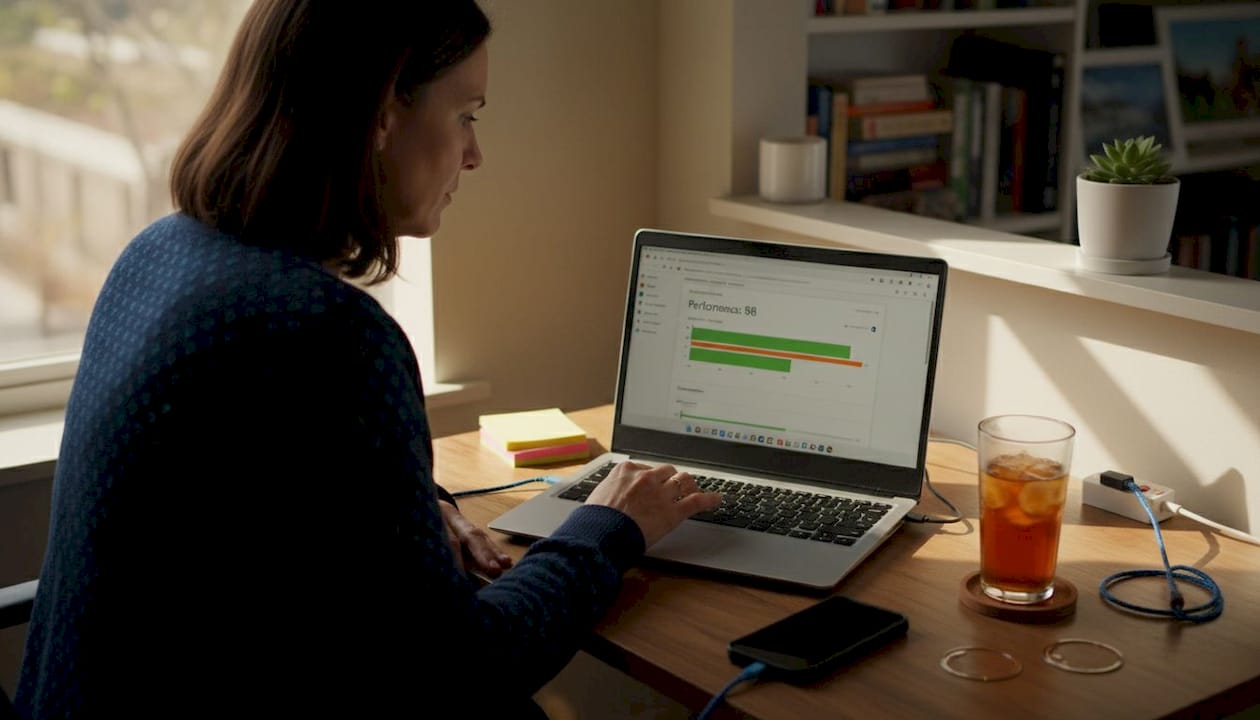
Here are the target scores you should aim for:
| Metric | Target | What it measures |
|---|---|---|
| LCP | < 2.5 seconds | Main content load speed |
| CLS | < 0.1 | Visual stability |
| INP | < 200ms | Responsiveness to input |
To hit these benchmarks in WordPress, you’ll need the right tools:
- WP Rocket: A caching plugin that dramatically reduces server response time and enables lazy loading out of the box
- ShortPixel: Compresses images without visible quality loss, cutting load time significantly
- Cloudflare: A content delivery network (CDN) that serves your site from servers closest to each visitor
- Perfmatters: Disables unnecessary scripts on pages where they aren’t needed
Pro Tip: Run a PageSpeed Insights test immediately after installing any new plugin or theme. Plugins that add scripts to every page can quietly destroy your LCP score overnight.
If you’re planning a site overhaul, reviewing a WordPress redesign checklist before launch saves hours of post-launch fixes. And because performance degrades over time as plugins accumulate, ongoing site maintenance is the only way to preserve your scores. Building for sustainable web performance also means fewer emergency fixes and a faster, leaner codebase from the start.
On-page optimization: Metadata, headers, and content
After securing your site’s foundation, your content and on-page details deserve equal attention. On-page SEO is where many firms leave the most clicks on the table. A well-structured page tells Google exactly what it’s about and convinces real users to click your result instead of a competitor’s.
Start with your title tags and meta descriptions. These are the first things users see in search results. Vague titles like “Welcome to Our Firm” get ignored. Specific titles like “Immigration Attorney in Houston, Free Consultation” get clicks. CTR improvements from 2.1% to 11.6% have been documented through title and meta rewrites combined with schema markup, a 450% growth in click-through rate. That’s not a small gain.
Schema markup is structured data that helps Google display rich results, such as star ratings, FAQ dropdowns, and business hours, directly in search listings. Plugins like Yoast SEO and RankMath make adding schema straightforward, even without coding knowledge.
Here’s a quick checklist for on-page optimization:
- H1 tag: One per page, containing your primary keyword naturally
- H2/H3 headers: Break content into logical sections Google can scan
- Meta description: 150 to 160 characters, action-oriented, includes your keyword
- Internal links: Connect related pages to spread authority across your site
- External links: Link to credible sources to signal content quality
- Image alt text: Describe every image with relevant, natural language
Pro Tip: Avoid stuffing keywords into every sentence. Google’s algorithm now reads context, not just repetition. Write for the person searching, and the rankings will follow.
Avoiding common SEO mistakes during a redesign is critical because on-page signals can reset if URLs change without proper redirects. For businesses that want to grow through content, content-driven lead generation strategies pair well with strong on-page fundamentals. You can also find deeper SEO insights on our blog to keep your strategy current.
Modern indexing and AI: Preparing your site for 2026 search
On-page wins matter, but to future-proof rankings, you’ll need new techniques for search’s AI era. Google’s search results page looks nothing like it did five years ago. AI-generated summaries, featured snippets, and entity-based results now dominate the top of the page. Adapting to this shift isn’t optional.
One of the newest requirements is the llms.txt file. Think of it as a robots.txt file, but designed specifically for large language models (AI systems like ChatGPT and Google’s Gemini). It tells AI crawlers which content on your site is authoritative and how to interpret it. In 2026, adding llms.txt alongside structured passages, entity authority signals, and fresh content is now considered a baseline expectation for competitive sites.
Here’s how sites with and without AI optimization compare:
| Feature | Without AI optimization | With AI optimization |
|---|---|---|
| llms.txt file | Missing | Present and configured |
| Content structure | Long, unbroken paragraphs | Short, labeled sections |
| Entity signals | Generic mentions | Named entities with context |
| Freshness | Rarely updated | Regular updates scheduled |
| Rich results | Basic listing | FAQ, schema, star ratings |
To get your WordPress site ready for AI-era search, follow these steps:
- Add a llms.txt file to your root directory with clear content descriptions
- Break long articles into short, clearly labeled sections with descriptive H2 and H3 headers
- Use Yoast or RankMath to generate and submit an XML sitemap automatically
- Configure your robots.txt file to allow AI crawlers access to key pages
- Publish or update content on a consistent schedule to signal freshness
When updating WordPress for SEO compatibility, check that your theme and plugins don’t block crawlers unintentionally. Pairing AI-friendly structure with data-driven design decisions creates a site that performs well for both human visitors and AI systems.
Technical essentials: Security, speed, and usability
Beyond AI and content, no amount of great writing will outrank a site with technical flaws. Google treats security and usability as ranking factors, and users make trust decisions in under three seconds of landing on your page.
SSL (the padlock icon in your browser bar) is non-negotiable. Sites without HTTPS are flagged as “Not Secure” in Chrome, which immediately erodes trust for any law firm or business asking visitors to fill out a contact form. Most hosting providers include free SSL certificates through Let’s Encrypt.
Mobile-first indexing means Google primarily evaluates your mobile site, not your desktop version. Test on real devices, not just browser emulators. Emulators miss real-world issues like tap target spacing and font rendering on specific screen sizes.
Accessibility is also an SEO factor that gets overlooked. Here’s what to prioritize:
- Alt text on all images: Helps screen readers and Google understand visual content
- ARIA roles: Label interactive elements like menus and buttons for assistive technology
- High-contrast color ratios: Minimum 4.5:1 contrast ratio for body text
- Keyboard navigation: Every clickable element should be reachable without a mouse
“A site that works for everyone ranks better than a site that works for most.” Accessibility improvements reduce bounce rates, increase session time, and signal quality to Google’s algorithm.
For measuring improvements over time, track organic traffic, bounce rate, and conversion rate monthly. Use Google Search Console to catch crawl errors before they affect rankings. And as noted in Core Web Vitals research, run routine checks after every major site update to make sure nothing breaks silently.
Pro Tip: Schedule a quarterly technical audit as a recurring calendar event. It takes about two hours and prevents the kind of slow performance decay that costs rankings over months without anyone noticing.
Why most WordPress SEO advice misses the real pain points
Most SEO articles hand you a checklist and call it a strategy. Install this plugin. Add this tag. Done. But law firms and Latino-owned businesses don’t fail at SEO because they skipped a checkbox. They fail because they treat SEO as a one-time project rather than an ongoing system.
The “set it and forget it” mindset is the real problem. A site that ranked well in January can slip to page three by June if competitors publish more content, earn more backlinks, or simply update their pages more frequently. Real growth comes from reviewing what’s working, cutting what isn’t, and iterating based on actual data.
Generic checklists also ignore industry context. A personal injury firm in Miami needs a completely different content and keyword strategy than a family-owned restaurant in Los Angeles. The technical setup may overlap, but the content, schema types, and local SEO signals are entirely different. Customized, industry-specific approaches consistently outperform one-size-fits-all advice.
We’ve seen this firsthand. Sites that integrate advanced content strategies with regular performance reviews grow steadily, while sites chasing algorithm shortcuts plateau fast. The firms and business owners who win in search are the ones treating SEO as a business function, not a marketing afterthought.
Ready to dominate your market? Get expert WordPress SEO help
Learning these strategies is the first step. Applying them consistently, while running a firm or managing a growing business, is where most teams run out of bandwidth.
We build strategy-driven web design solutions for US law firms and Latino-owned businesses that need more than a good-looking site. Our WordPress builds include built-in SEO structure, fast load times, and cutting-edge design trends that keep visitors engaged. If you’re ready to move from reading about SEO to actually ranking for the searches that bring in clients, our team of WordPress SEO experts is ready to help. Book a free strategy call and let’s build something that actually performs.
Frequently asked questions
How often should I audit my WordPress site for SEO updates?
Audit your WordPress site at least quarterly, or immediately after any major content, plugin, or theme update. Routine post-update checks prevent silent performance drops that can cost rankings over time.
What plugins are best for optimizing Core Web Vitals on WordPress?
WP Rocket for caching and ShortPixel for image compression are the top choices. Together, they address the most common causes of slow LCP and CLS scores without requiring developer expertise.
Do I still need sitemaps and robots.txt files in 2026?
Yes, both remain essential for proper indexing. But in 2026, llms.txt and structured data are now equally important for visibility in AI-powered search results.
What’s the fastest way to boost Google click-through rates (CTR) in WordPress?
Rewriting title tags and meta descriptions with clear, keyword-rich language delivers the fastest CTR gains. Adding schema markup amplifies the effect, with documented CTR jumps from 2.1% to 11.6% in real-world cases.
Recommended
- 7 Mistakes You’re Making with Your Website Redesign (And How to Fix Them) – Web Design, SEO, Hosting & Servers |
- Website Redesign Without Losing SEO: 7 Mistakes That Could Tank Your Rankings (And How to Fix Them) – Web Design, SEO, Hosting & Servers |
- B2B Content Marketing Strategies That Generate Qualified Leads
- Web Design, SEO & Digital Marketing Blog | JDG Agency